
Rollio
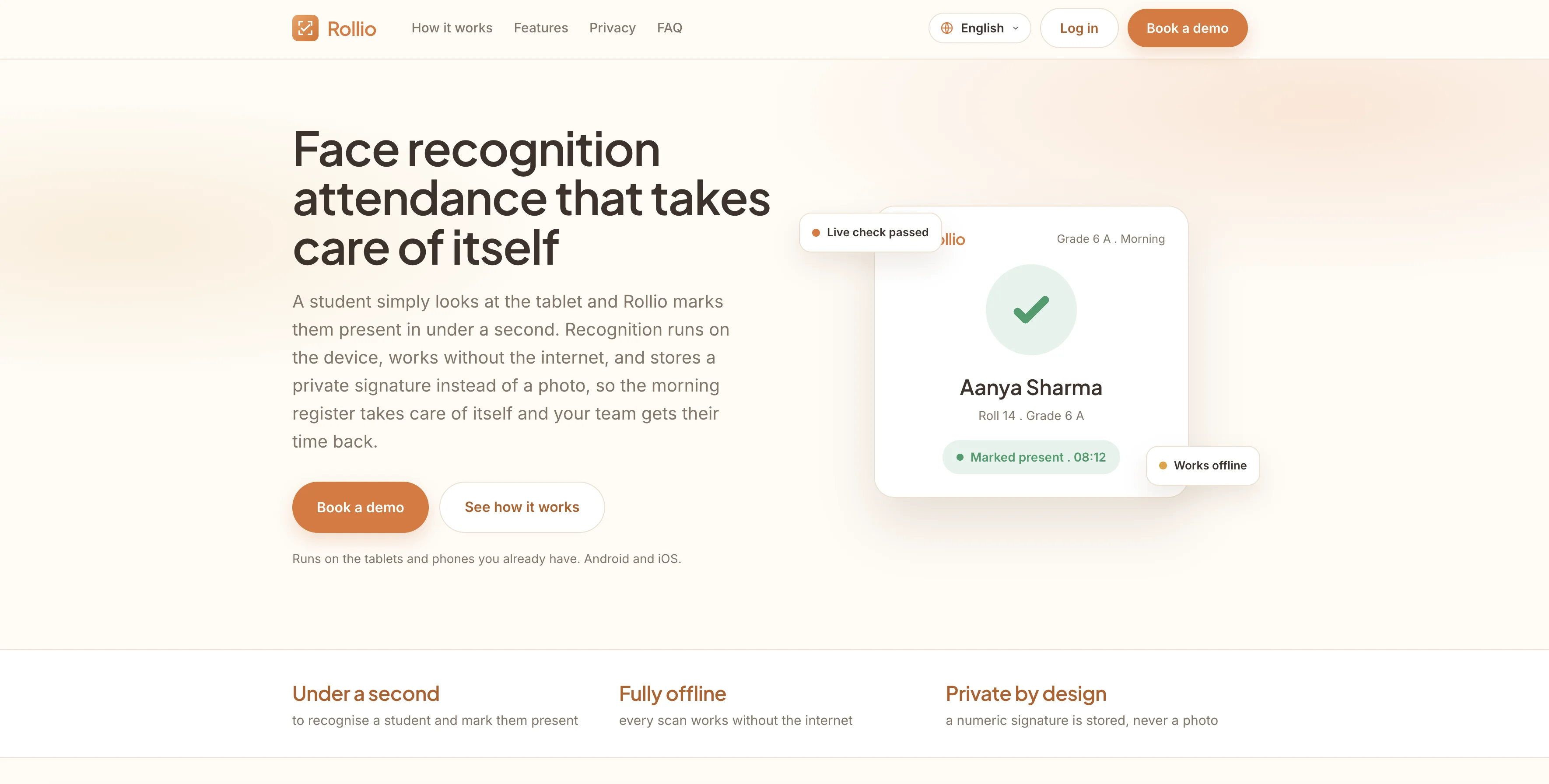
A facial recognition attendance system for schools. A student simply looks at the tablet and is marked present in under a second, with recognition running on the device, fully offline, and a private signature stored instead of a photo.
The Project
Taking attendance by hand eats into the start of every school day, and the usual fixes bring their own problems. Card taps get shared, fingerprint readers worry parents, and cloud face systems send children's photos to servers no one in the school controls. Rollio was built to remove the daily friction without any of that.
The idea is simple from the front. A student looks at a tablet by the door and is marked present in under a second. The hard part sits underneath. Recognition runs entirely on the device, every scan works without the internet, and the system stores a private numeric signature rather than a photo. We built Rollio end to end, from the multi tenant web platform that onboards schools and assigns their devices, down to the on device model on the tablet, so a school can trust it with a child's face.
Rollio in Action
A calm, friendly moment for students at the door, a clear workflow for staff, and a web platform for onboarding and management
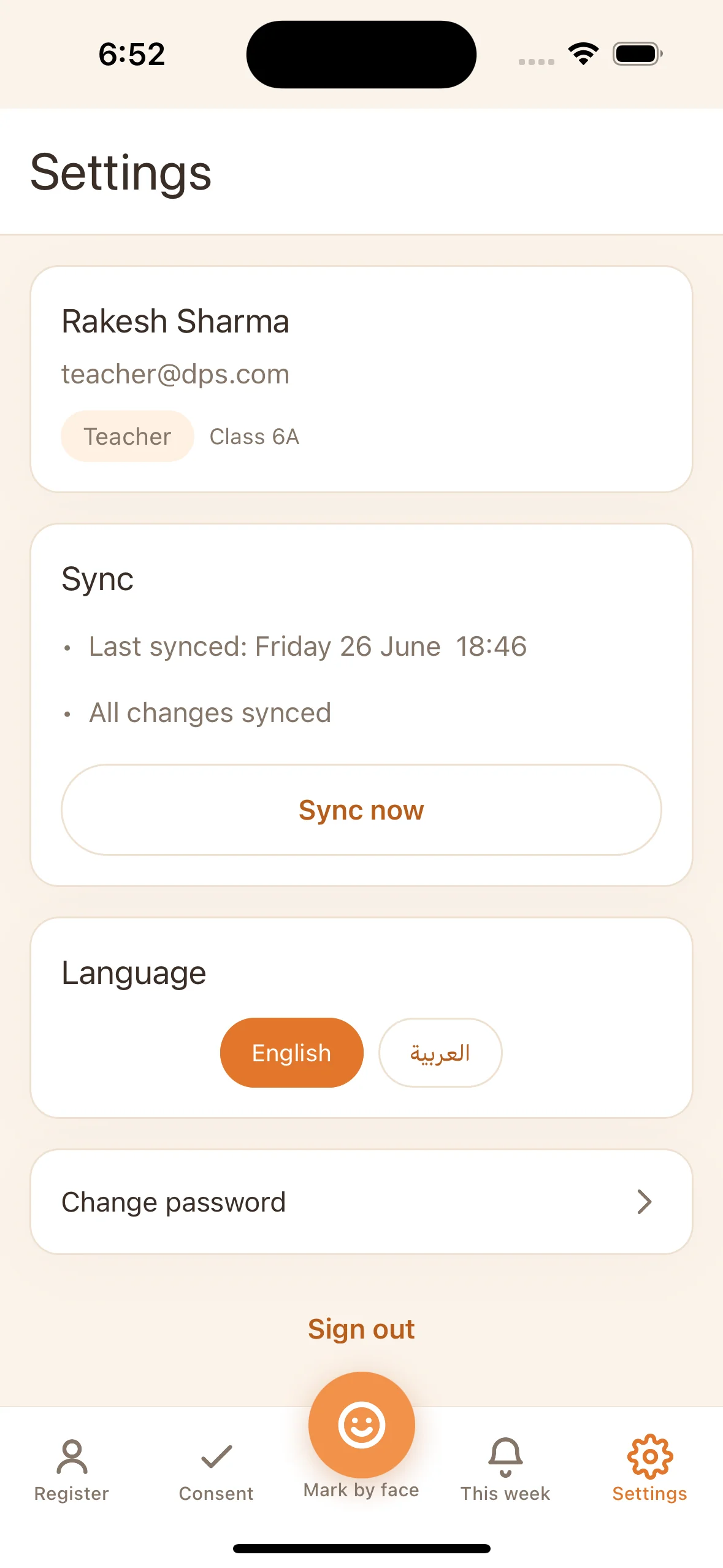
Recognise a child in a second, and never get it wrong
Attendance for schools sounds like a solved problem until you look closely. It has to be fast enough that a line of students clears in seconds, accurate enough that no child is ever marked as the wrong person, and private enough that parents and regulators are comfortable with a system that handles children's faces.
Those goals pull against each other. Speed usually means guessing, accuracy usually means a server, and privacy usually means more taps and more friction. The brief was to hold all three at once, on the kind of ordinary tablets a school already owns.
Because every scan touches a child's face, we treated consent and privacy as the foundation rather than a feature added at the end. A face is held and never used for recognition until a verified parental consent record exists, and withdrawing consent stops recognition straight away.
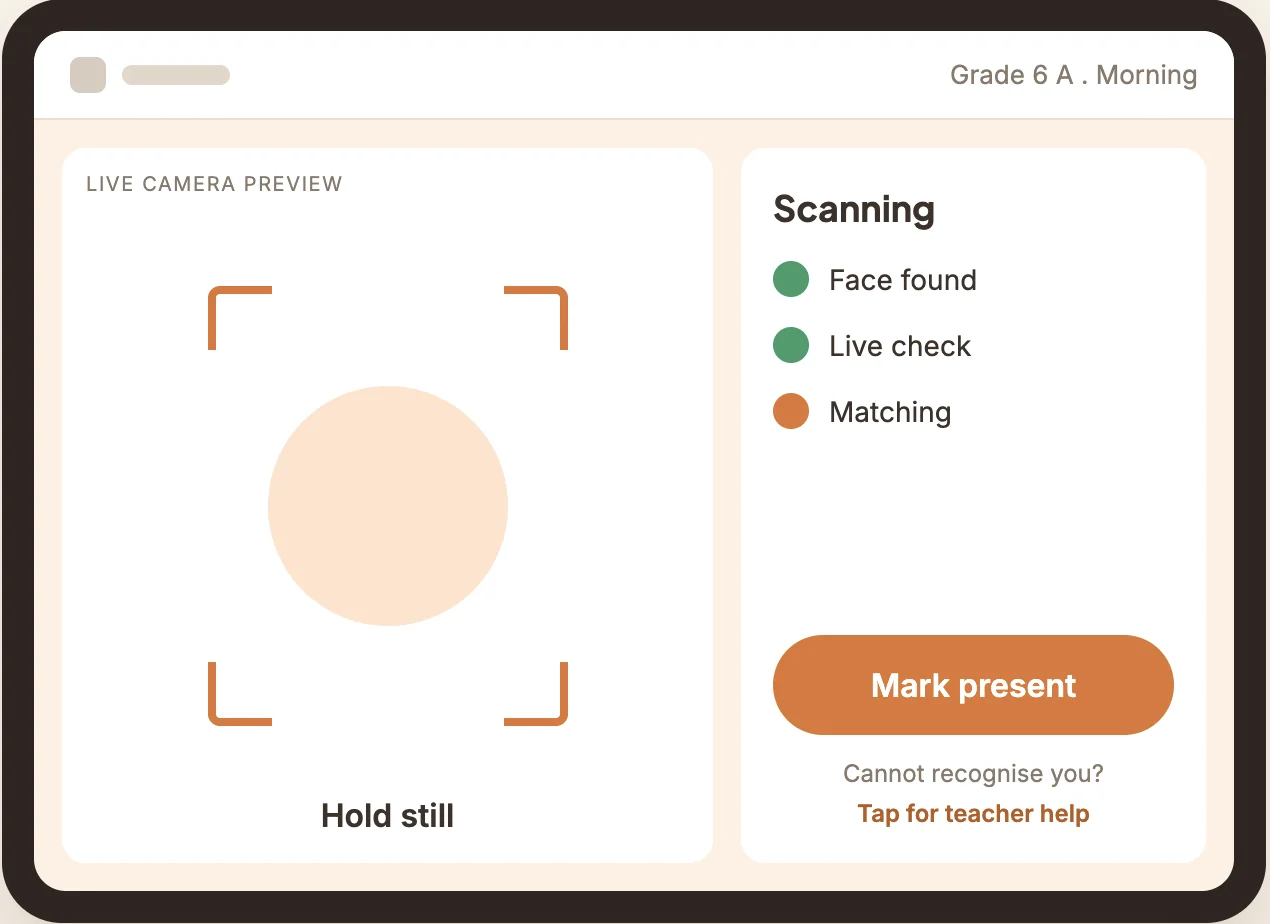
A live preview captures a clear, frontal face automatically, so marking attendance needs no tap and no effort from the student.
A confidence threshold and a margin check between the top candidates mean a wrong student is never marked present. When unsure, the system asks rather than guesses.
A passive anti spoofing check confirms a real person is present, so a printed photo or a screen replay cannot mark attendance.
When recognition is unsure, the teacher picks from the top candidates, and a help action is always on screen, framed as normal and never as a fault.
A face goes live only after verifiable parental consent, and removing consent returns it to a held state and stops recognition at the next sync.
Recognition runs on the device with no network call in the common path, then syncs the register whenever a connection is available.
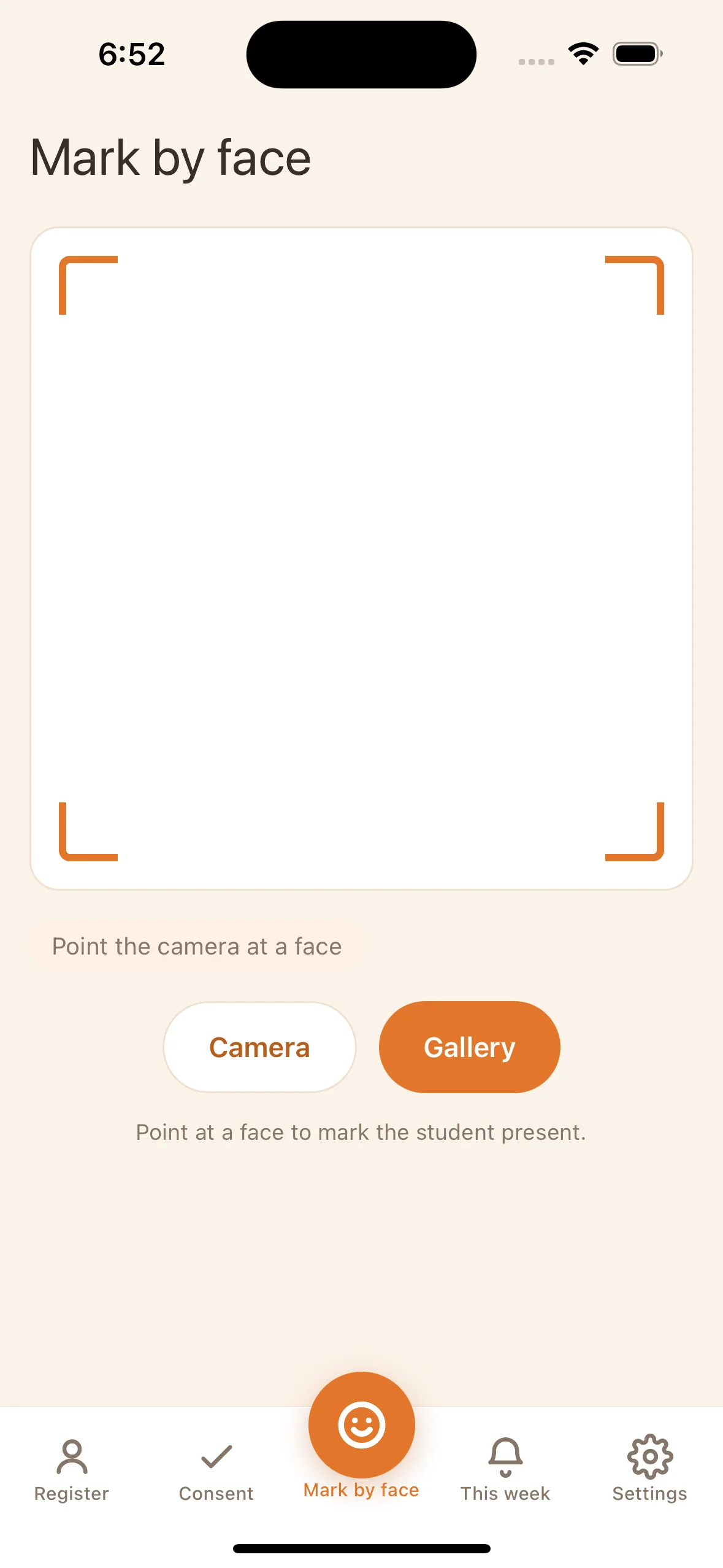
When a scan is not the right fit, a teacher marks a student present, absent, or late by hand, and every manual change is recorded with who made it and when.
A weekly view shows attendance by day and flags repeated absence, so a teacher can follow up with the students who need it instead of digging through registers.
A multi tenant web platform, two clear apps, and on device recognition
Rollio is built as a multi tenant platform. From the web, a super admin onboards a school and assigns the tablets and phones it will use. Each school then signs in to its own space to add its teachers, classes, and students, so the people closest to the children manage their own roster and their own data.
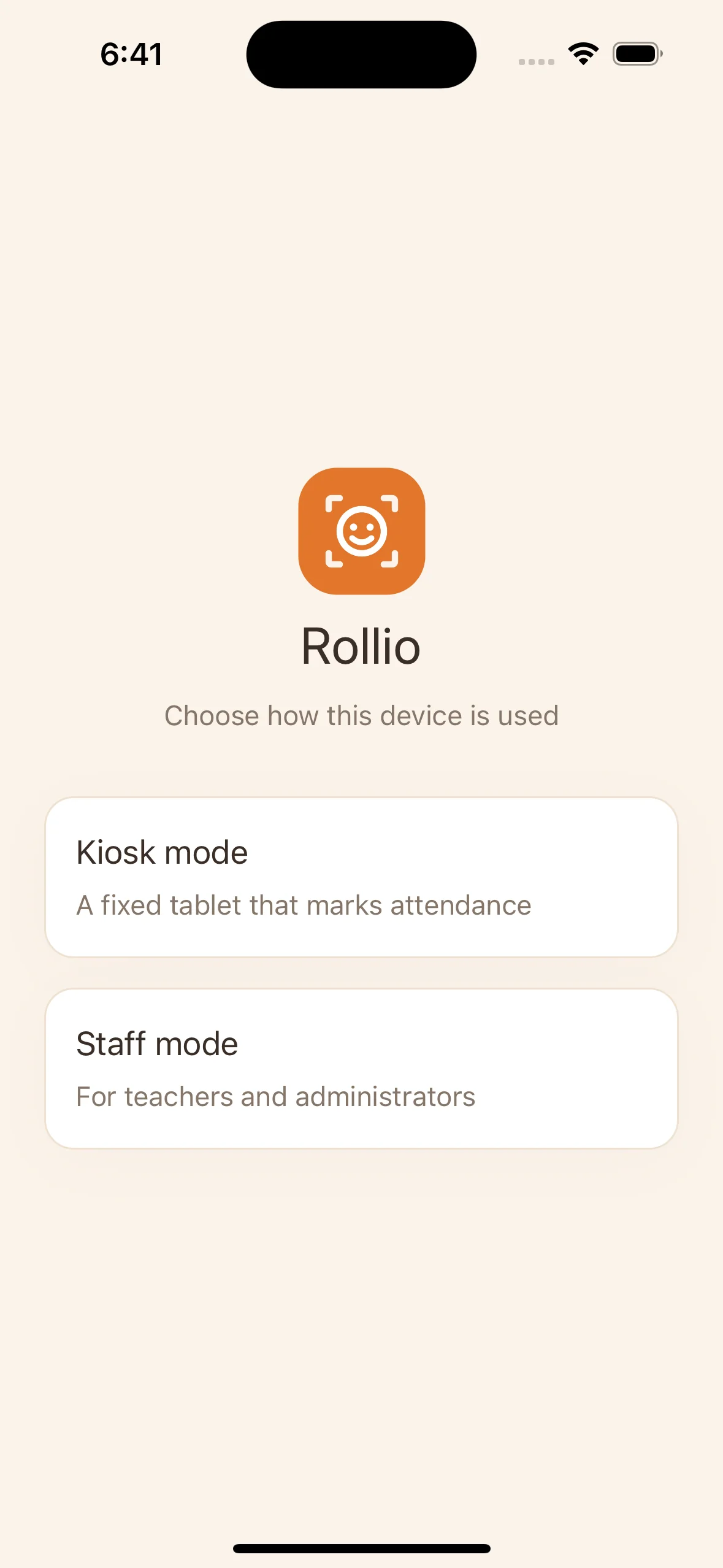
On the devices, Rollio is one app that runs in two modes. Kiosk mode turns a fixed tablet at the door into the attendance station, with a live preview, automatic capture, and a calm confirmation by name and photo. Staff mode gives teachers and administrators the class register, a mark by face option, a manual mark by hand option for when a scan is not the right fit, consent management, and weekly views.
Under the surface, every signature is built by a single recognition model, so all signatures stay comparable whether they come from a bulk photo upload, a spreadsheet of students and images, a student information system connector, or a capture taken on the tablet. The match runs on the device against the live part of the school gallery, takes its decision across several frames to remove random error, and only accepts a result that clears the threshold and clearly beats the next candidate.
Around recognition sits the part schools actually live in day to day. A consent dashboard tracks who is collected, verified, and outstanding. A live class dashboard shows present, absent and pending counts with arrival times. An offline first sync means a patchy connection never stops the morning register, and English and Arabic are supported from the start.
On device intelligence, privacy by design
The core decision was to keep recognition on the device. A captured face is turned into a numeric signature and compared against the school gallery locally, so the common path needs no server, the experience stays fast, and a child's photo never leaves the tablet. What is stored for matching is a signature, not an image.
We built the apps cross platform for Android and iOS so a school can use the tablets and phones it already owns. A passive liveness model guards the recognition step, a shared embedding model keeps every signature comparable across sources and model versions, and the consent and isolation rules are enforced in the data layer, so a held face simply cannot be matched.
The platform itself is multi tenant. The super admin onboards schools and assigns devices from the web, and each school manages its own teachers, classes, students, and consent records in an isolated space, so one school can never see another's data.
A system a school and a parent can trust
The whole flow holds together. A student is enrolled from existing records or on the tablet, a consent record is collected and verified before any face is ever used, and a student walks up to the kiosk and is marked present in under a second, offline, with the system refusing to guess when it is not sure.
Because consent, liveness, and on device matching were treated as foundations rather than additions, the harder questions a school and a regulator ask are answered by the way Rollio is built, not patched on at the end.
Building something with AI or on device intelligence?
We build AI products that are fast, private, and genuinely trustworthy. Tell us what you are working on.
Ideas, Guides, and
Industry Perspectives
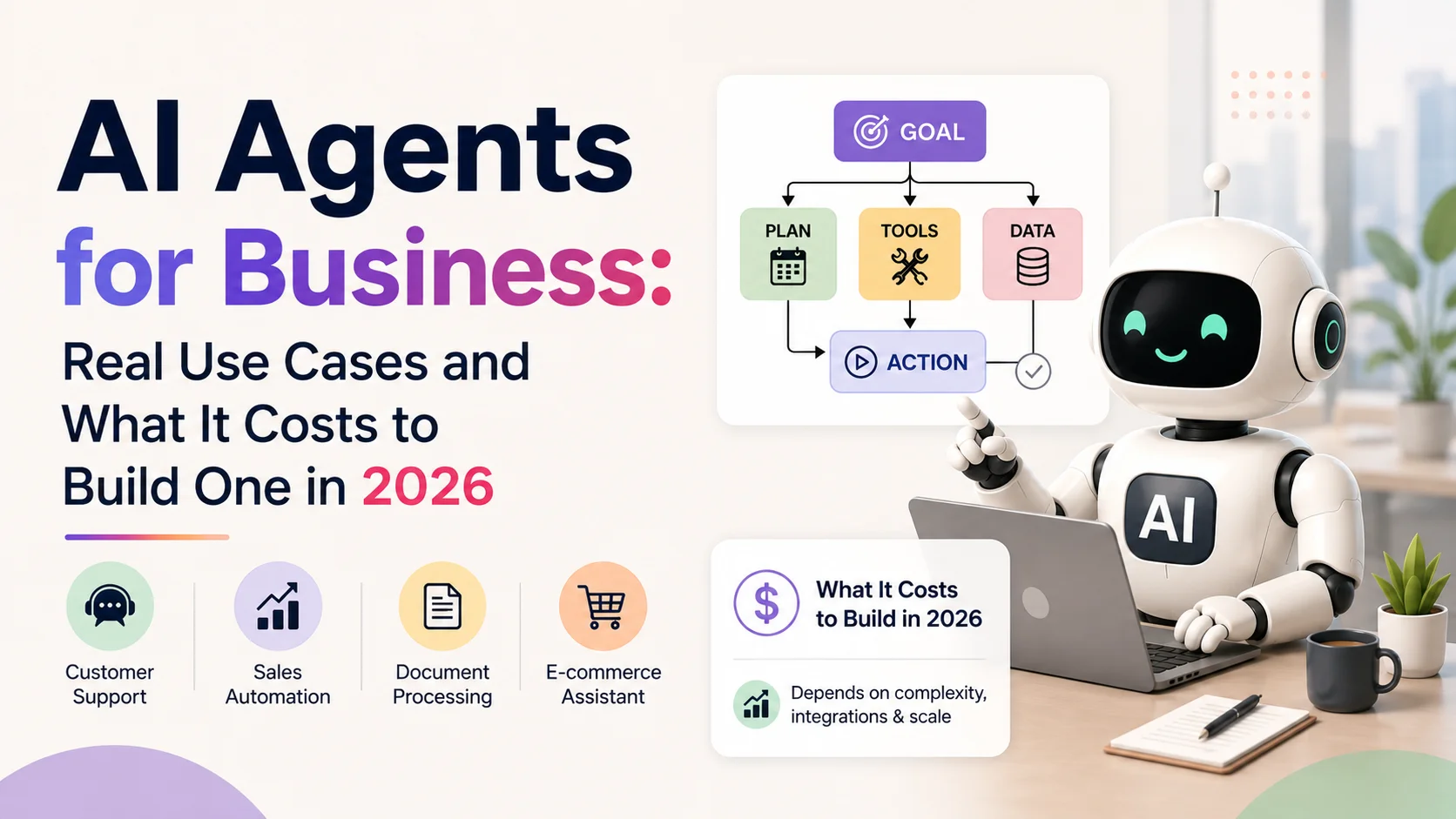
AI Agents for Business: Real Use Cases and What It Costs to Build One in 2026
AI agents for business explained simply. See real use cases, how agents differ from chatbots, what you need to build…
Read Article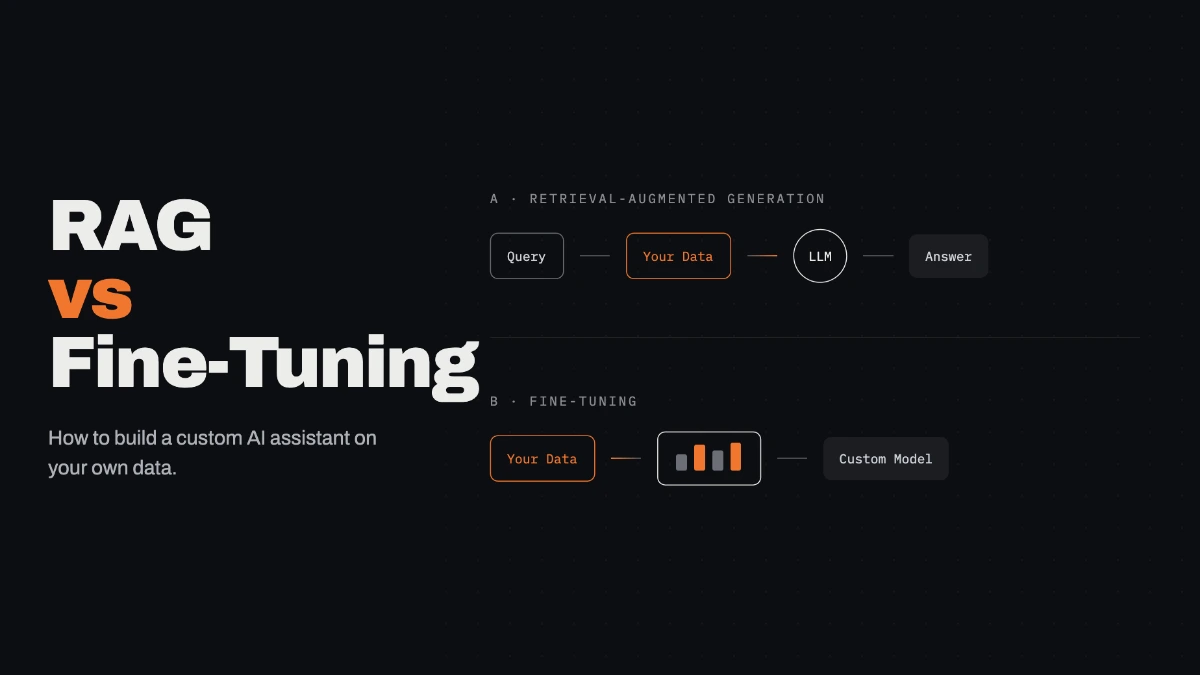
RAG vs Fine Tuning: How to Build a Custom AI Assistant on Your Own Data (2026)
RAG vs fine tuning explained in plain words. Learn how to build a custom AI assistant on your own business…
Read Article
How Much Does AI Development Cost in India? (2026 Guide)
A complete breakdown of AI development costs in India in 2026. Chatbots, ML models, LLM integration, and full AI products.…
Read ArticleLet's Build
Something Great
Tell us about your project and we'll get back to you within one business day with a clear plan and an honest estimate.